

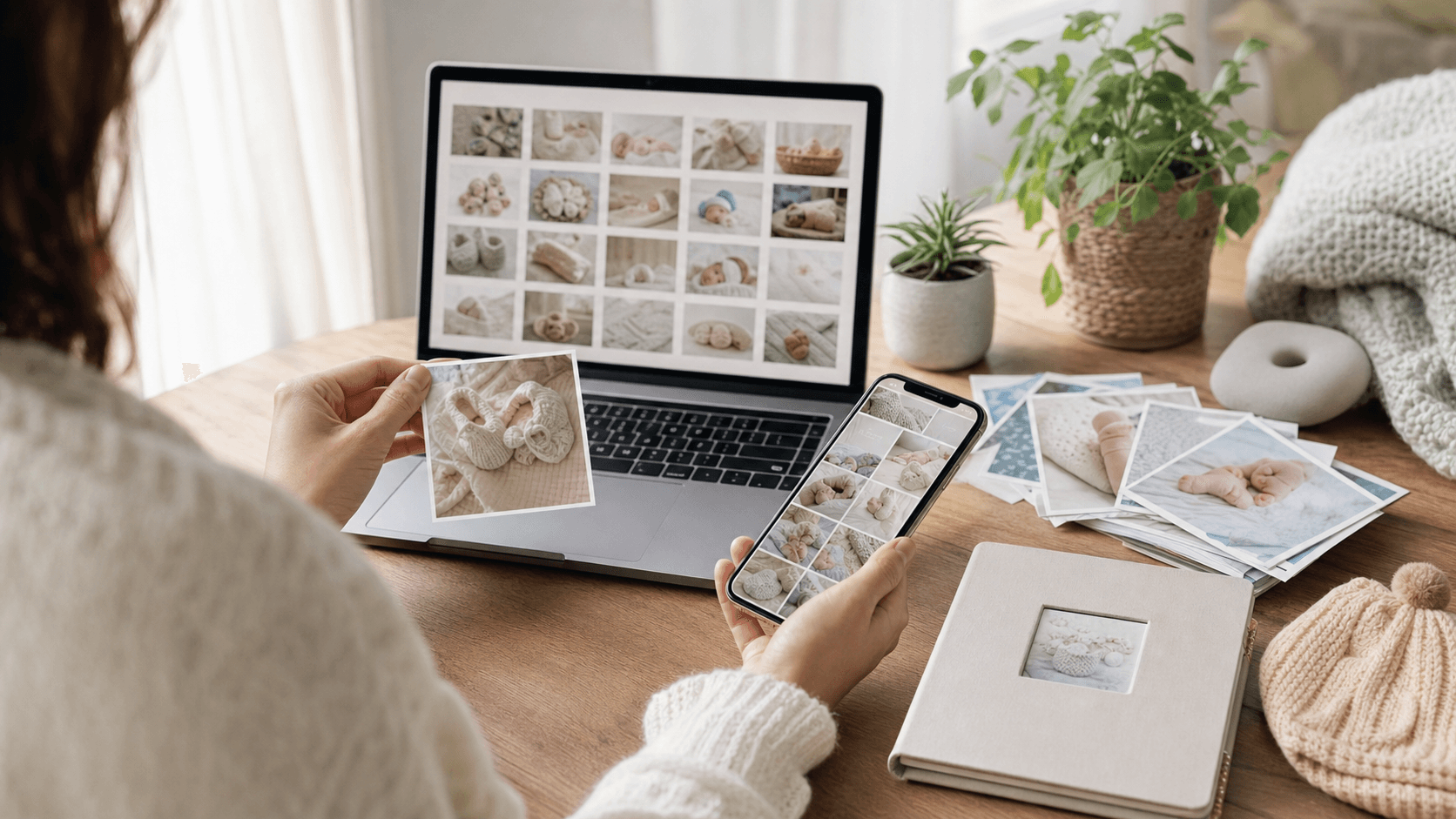
How to Organize Baby Photos Without Falling Behind
Most parents do not have a photo problem at first. They have a "this is too cute, I will sort it later" problem.
Then a few months pass. The camera roll has 3,000 pictures, seven versions of the same smile, screenshots mixed with ultrasound photos, and one video called IMG_4829 that might be the first laugh or might be the dog walking past the crib.
The good news is that baby photo organization does not need to be perfect. It only needs to make the important memories easy to find later.
The simplest system is:
- Keep everything backed up automatically.
- Delete obvious clutter once a week.
- Save the best photos into monthly and milestone albums.
- Add short notes while the memory is still fresh.
- Keep the moments you want to share or turn into a book in one private timeline.
Here is a realistic system for busy parents, including what to do if you are already behind.
Start With A Safe Backup Before You Sort Anything
Before you delete, rename, move, or organize photos, make sure your baby photos are backed up in more than one place.
A good parent-friendly backup setup has three layers:
| Backup layer | What it protects against | Example |
| Phone cloud backup | Lost or broken phone | iCloud Photos, Google Photos |
| Second cloud or computer copy | Account issues or accidental deletion | External drive, computer Photos library, Dropbox |
| Finished keepsakes | Memories getting buried forever | Baby book, yearly photo book, exported PDF |
| Private memory timeline | Stories and context getting separated from photos | Magic Baby Books |
If you use Apple Photos, iCloud Photos can keep your library updated across devices, and Apple Photos lets you browse by Years, Months, People & Pets, Memories, Trips, and search terms. Google Photos also offers search, backup, sharing, AI organization, similar-photo grouping, and optional face grouping.
You do not need to use every feature. The point is to avoid having the only copy of your baby's first smile sitting on one phone.
A Practical Backup Rule
Use this rule:
One automatic backup, one extra copy, and one finished keepsake for the memories you care about most.
That means your everyday photos can live in iCloud or Google Photos, but the best baby memories should also become albums, timeline moments, exports, or baby book pages.
Do A 15-Minute Weekly Cleanup
The best time to organize baby photos is not "someday when things calm down." Things do not calm down. Babies simply become toddlers with stronger opinions.
Instead, choose one small weekly routine:
- Sunday evening after bedtime
- During a nap
- While waiting at preschool pickup
- The first day of each month
Set a timer for 15 minutes and do only three things:
- Delete obvious duplicates.
- Favorite the best photos.
- Add the best ones to the right album.
That is enough.
You are not building an archive for a museum. You are making sure future-you can find the moments that matter.
What To Delete First
Start with the easy clutter:
- Blurry photos
- Accidental screenshots
- Burst-mode duplicates
- Photos where everyone is blinking
- Dark or badly cropped versions
- Ten near-identical pictures of the same pose
- Random receipts, memes, and temporary screenshots
Keep more than one photo when the emotion changes. A sleepy yawn, a tiny hand grab, and a parent laughing in the background are not duplicates, even if they were taken in the same minute.
Use A Simple Album System
Folders and albums can get complicated fast. For baby photos, the most useful system is usually time plus meaning.
Use three kinds of albums:
| Album type | Purpose | Example |
| Monthly albums | Keep the first year in order | Month 01, Month 02, Month 03 |
| Milestone albums | Find important firsts quickly | First Smile, First Foods, First Steps |
| Keepsake albums | Save photos for books or sharing | Baby Book Favorites, Grandparents, Print Later |
Monthly albums are your backbone. Milestone albums are your memory shortcuts. Keepsake albums are where you collect the photos that deserve to become something more permanent.
If you are using Magic Baby Books, think of the app as the meaning layer on top of your camera roll. Your phone can hold thousands of images, while Magic Baby Books can hold the smaller set of moments you actually want to remember: the date, child, photo or video, and the little story that explains why it mattered.
Suggested First-Year Album List
Create these albums once:
- Pregnancy and ultrasound
- Birth
- Newborn days
- Month 01
- Month 02
- Month 03
- Month 04
- Month 05
- Month 06
- Month 07
- Month 08
- Month 09
- Month 10
- Month 11
- First birthday
- Baby book favorites
If that feels like too much, make just two albums:
-
Baby - Favorites -
Baby - To Sort
Perfect organization is less important than having one reliable place for the good photos.
Name Files Only When It Helps
Some photo organization guides tell parents to rename every file. That is usually too much work.
Instead, rename only exported files, scanned photos, and final baby book selections.
For those, use a simple format:
2026-01-14_first-smile.jpg
2026-02-03_bath-time-with-dad.jpg
2026-03-22_first-food-carrot.jpg
2026-06-04_six-month-photo.jpg
The date keeps photos in order. The short description tells you why it matters.
If you are exporting photos for a printed book, a shared family drive, or a backup folder, this naming habit is worth it. For your entire camera roll, albums and favorites are usually enough.
Save The Story, Not Just The Photo
The hardest part of a baby book is not choosing photos. It is remembering what was happening.
A photo of a baby in pajamas is sweet. A photo with the note "She had just learned to clap and would not stop doing it at bedtime" is a memory.
When you favorite a photo, add one sentence if you can:
- What happened?
- Who was there?
- What did your baby do for the first time?
- What made you laugh?
- What did this stage feel like?
Short notes are enough.
She smiled at her brother for the first time today.
First bath without crying.
Grandma visited and sang the same song three times.
He kept trying to eat the milestone card.
This is where a memory app can help. Magic Baby Books is built around small moments, dates, photos, videos, and notes, so a parent can capture the story while it is still fresh instead of trying to reconstruct it months later.
The useful habit is simple: when a photo feels like more than a photo, save it as a moment. Add the picture, write one sentence, choose the child and date, and move on. You can capture, review, organize, and create a keepsake book entirely on mobile or web. A larger web screen may simply be more comfortable when sorting many photos at once.
Use AI Sorting, But Check The Important Moments Yourself
AI tools can save time, especially when your camera roll is huge.
Google Photos can group similar photos, help search your library, and support face grouping in places where that feature is available. Apple Photos can help you browse by people, pets, places, trips, and time periods.
For parents, these features are useful for:
- Finding all photos of one child
- Searching for "birthday", "park", "bath", or "Christmas"
- Grouping similar shots
- Finding videos mixed into a large photo library
- Making quick albums from a month or event
But AI sorting is not a substitute for parent judgment.
An app can group faces. It cannot always know which photo shows the first real smile, which picture your partner loves, or which messy breakfast became a family joke.
Use AI to find candidates. Use your eye to choose the keepers.
Privacy Note For Face Grouping
Face grouping features may not be available in every region or account type, and they can involve face models or labels. Google says face labels are private to each account and are not shared when you share photos, but parents should still review settings and choose what they are comfortable with.
For children's photos, privacy is part of organization. Know where your photos are stored, who can see shared albums, and how to export or delete data if you change tools later.
Make A "Baby Book Favorites" Album
This is the most important album in the whole system.
Create one album called:
Baby Book Favorites
Any time you see a photo that belongs in the story of your child's life, add it there.
Do not worry about layout yet. Do not worry about choosing the final version. This album is just a collection basket.
Good candidates include:
- Tiny hands and feet
- First bath
- First smile
- Favorite toy
- Sleeping positions
- Family visits
- Parent and baby together
- Sibling moments
- Funny faces
- Favorite outfits
- Nursery details
- First foods
- First trip
- First birthday
- Everyday routines you will forget later
When it is time to make a baby book, this album saves hours.
Organize By Milestones, Not Only Dates
Chronological albums are helpful, but parents usually search by meaning.
You are more likely to think:
- "Where is the first tooth photo?"
- "Do we have a picture from the first beach trip?"
- "What did she look like at six months?"
- "Where is that photo with Grandpa?"
So add a few milestone albums too.
| Milestone album | What to save |
| First smile | Smiles, laughs, early expressions |
| First foods | High chair photos, messy faces, favorite foods |
| First steps | Pulling up, cruising, walking attempts |
| Sleepy moments | Contact naps, crib photos, bedtime routines |
| Family | Parents, siblings, grandparents, close friends |
| Growth photos | Monthly photos, comparison shots, height/weight moments |
| Funny things | Expressions, chaos, small family jokes |
If you use baby milestone cards, photograph the card and the baby together, then add that photo to both the monthly album and the milestone album. Later, that same photo can become a page marker in the baby book.
What To Do If You Are Already Months Behind
If you are behind, do not start at the beginning.
Start with this week.
Then recover the past in small passes.
The Catch-Up Method
- Create a
Baby Book Favoritesalbum. - Go to the current month and add 10-20 favorites.
- Go back one month and add 10-20 favorites.
- Repeat only when you have energy.
- Add short notes only to the most important photos.
Do not try to sort every photo from birth in one sitting. That is how the project becomes emotionally heavy and gets abandoned.
Instead, build momentum from the present.
The "Good Enough" First-Year Rule
For each month, choose:
- One clear face photo
- One full-body or growth photo
- One family photo
- One everyday routine photo
- One milestone or funny moment
Five photos per month is enough to tell a meaningful first-year milestone story.
If you later find more, lovely. If not, you still have a baby book.
Keep Physical Photos And Keepsakes In The Same System
Baby memories are not only phone photos.
You may also have:
- Ultrasound prints
- Hospital bracelets
- Footprints
- Cards from family
- Printed photos
- First drawings from siblings
- Birthday invitations
- Notes from daycare
Make one physical memory box and one digital folder for scans.
Suggested structure:
Baby Keepsakes
  00 Pregnancy
  01 Birth
  02 Month 01
  03 Month 02
  ...
  12 Month 12
For scans, save the date and item:
2026-03-10_ultrasound.jpg
2026-05-18_hospital-bracelet.jpg
2026-06-01_footprint-card.jpg
You do not need to scan everything. Scan the items you would be sad to lose, especially small keepsakes like cards, notes, and baby footprints.
Share Carefully With Family
Family sharing is one of the joys of baby photos, but it can also create scattered copies.
Decide what each channel is for:
| Channel | Best use |
| Text message | Quick daily smiles |
| Shared album | Ongoing family updates |
| Magic Baby Books | Private child timeline, selected family sharing, notes, milestones, and future books |
| Printed book or PDF | Long-term keepsake |
For privacy, avoid making public albums of your child's everyday life. Use private sharing, review who has access, and be careful with location data if you post publicly.
This is a good place to separate "sharing" from "keeping." A text thread is fine for today's cute photo, but it is hard to turn into a coherent story later. Magic Baby Books gives those same memories a more permanent home, with the date, child, note, photos, and videos kept together for review before anything becomes a book.
It also helps when family wants to follow along but you do not want your child's everyday life scattered across public posts or endless group chats. You can invite close family as viewers or contributors, choose which moments are shared, and keep reactions and comments attached to the memory instead of buried in a message thread.
The goal is not to hide every memory. It is to share with intention.
Turn Organization Into A Baby Book Before It Feels Finished
Many parents wait until the photos are perfectly sorted before making a baby book.
That day rarely comes.
A better approach is to make the book from the best memories you already have.
For a first baby book, use this simple structure:
- Pregnancy and waiting
- Birth story
- Newborn days
- Monthly pages
- Firsts and milestones
- Family and loved ones
- Funny moments
- First birthday
- A letter to your child
This structure works even if some months have more photos than others. A baby book does not need equal coverage. It needs heart, dates, photos, and enough context that the memory still makes sense years later.
Magic Baby Books is designed for this kind of memory keeping: small moments first, book later. Instead of starting with a blank book layout, you collect the photos, videos, milestones, quotes, and stories as life happens, then choose moments from the timeline when you are ready to make something lasting. Mobile and web offer the same core functionality, so you can use either one from capture through book creation. The web app is simply an optional larger-screen workspace when you have many photos to review.
A Simple Monthly Checklist
Once a month, do this:
- Delete obvious duplicates.
- Check that cloud backup is working.
- Add favorite photos to the monthly album.
- Add the best photos to
Baby Book Favorites. - Save one short note about the month.
- Save the moments you want family to see or that might belong in a future book.
- Add any physical keepsake to the memory box.
- Export or download anything especially important.
If you do only this, your photo library will stay usable.
Common Mistakes To Avoid
Trying To Organize Every Photo
You do not need every photo organized. You need the important photos findable.
Waiting For A Big Free Weekend
Small weekly sorting beats one giant annual cleanup.
Keeping Only Perfect Photos
The best baby memories are often imperfect: motion blur, messy hair, tired parents, toys everywhere. Keep the photos that feel true.
Trusting One Storage Place Forever
Cloud services change. Phones break. Accounts get messy. Keep an extra copy of the photos and memories you cannot replace.
Forgetting The Words
Photos show what happened. Notes explain why it mattered.
Sharing Everything In Chat Threads Only
Chats are useful in the moment, but they are not built as childhood archives. Save the moments you care about somewhere you can return to later.
FAQ
What is the easiest way to organize baby photos?
The easiest system is to use automatic backup, then create monthly albums and one Baby Book Favorites album. Each week, delete obvious duplicates and add your best photos to those albums. For the memories that need a note, date, video, or family comment, save them in a private timeline like Magic Baby Books.
Should I organize baby photos by date or milestone?
Use both. Monthly albums keep the timeline clear, while milestone albums help you find meaningful moments like first smile, first foods, first steps, and first birthday.
How many baby photos should I keep?
Keep as many as you want, but choose a smaller set of favorites for albums and baby books. A useful first-year target is 5-10 strong photos per month plus major milestones.
How often should I sort baby photos?
Fifteen minutes once a week is enough for most parents. If weekly feels too frequent, do a monthly cleanup and choose favorites before the month disappears into the camera roll.
What should I do with thousands of unsorted baby photos?
Do not start from birth. Start with the current month, create a Baby Book Favorites album, and add 10-20 favorites. Then work backward one month at a time when you have energy.
How can I keep family updated without losing the memories?
Use quick messages for casual updates, but save the moments you may want later in a private timeline. In Magic Baby Books, you can choose which moments family can see, invite viewers or contributors, and keep comments with the original memory.
Are AI photo tools safe for baby photos?
AI tools can be useful, but parents should review privacy settings, face grouping settings, sharing permissions, and export options. Use AI to help find photos, but keep control over what is shared and saved.
Final Thought
Baby photo organization is not about creating a perfect archive. It is about making sure the small, ordinary moments do not vanish inside a camera roll.
Back up the photos. Choose favorites. Add a few words. Make simple albums. Share the moments you choose with the people closest to you. Then turn the memories into something your child can actually look through one day.
That is enough, and enough is often what keeps the memories alive.